


The new PLUGIN 3Dfindit - Integrate and benefit directly

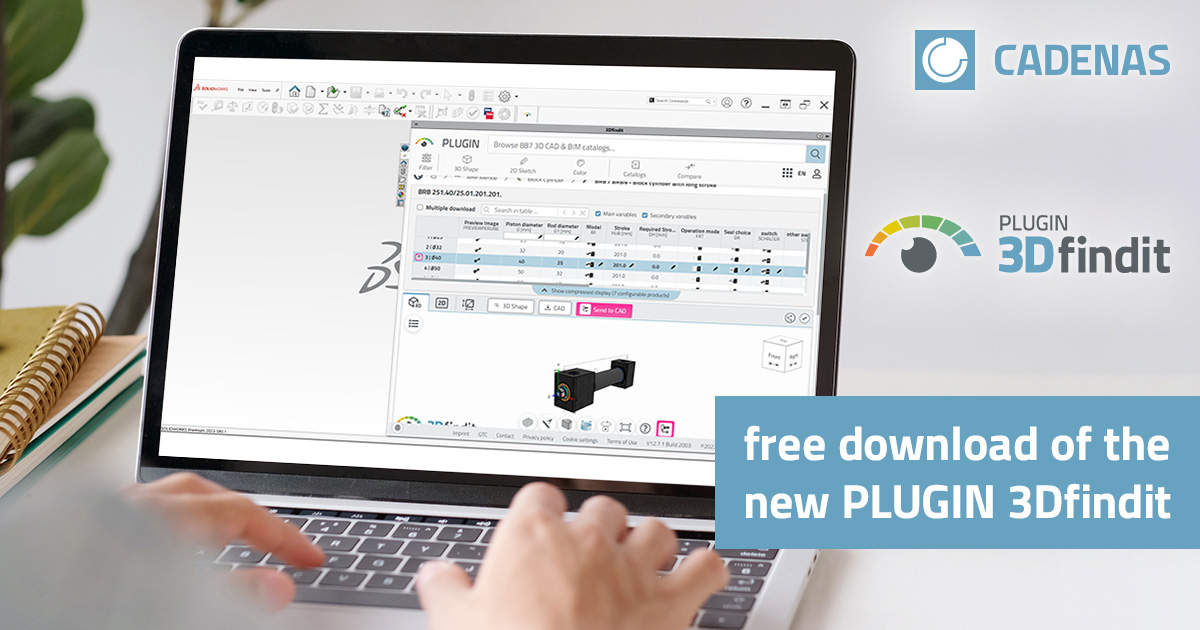
A new year often brings new challenges - both privately and professionally. 3Dfindit makes everyday work easier for its users with the new PLUGIN 3Dfindit. The successor to PARTS4CAD offers improved performance and numerous other new features. PLUGIN 3Dfindit enables files to be generated directly in the CAD system, which means that they are not only native and always up to date, but also completely eliminates the time-consuming search for parts on the Internet.
Available for numerous CAD systems
The new plugin can be integrated into various CAD systems - very easily and without great effort. After installation, it can be found in the toolbar.
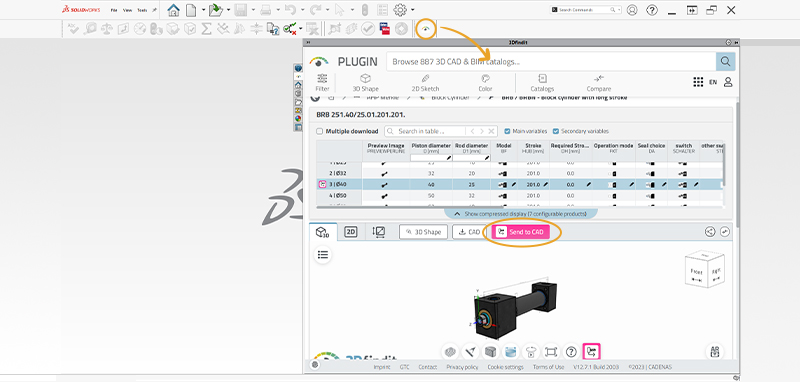
Example of the plugin in the SolidWorks toolbar.
The following CAD systems are supported:
- ALLPLAN
- Archicad
- AutoCAD
- BricsCAD
- Creo Direct
- Creo Parametric
- Inventor
- Revit
- Solid Edge
- SOLIDWORKS
- Tekla
- Vectorworks
Integration in just a few steps
Interested parties can use the new plugin very easily. Only a few steps are required to load the parts library into the desired CAD system:
- Free download of the PLUGIN 3Dfindit
- Optional: Uninstall the old PARTS4CAD plugin
- Install the new plugin and select the CAD system
- Benefit from the advantages: Work even more productively with the new PLUGIN 3Dfindit
Users who use a PLM system need ENTERPRISE 3Dfindit.
